
Remote cameras, cellular routers, satellite internet, network switches, and recorders can operate with relatively little power compared with tools or HVAC equipment. They also run continuously. A steady 100 W load uses 2.4 kWh every day, including weekends and periods when the site is inactive.
That operating pattern makes energy capacity and recharge planning more important than a large inverter rating. A useful design needs the measured load, required days of autonomy, seasonal solar production, battery reserve, temperature, and a plan for communications or charging failures.
This guide explains how to prepare a battery and solar estimate for construction sites, farms, storage yards, temporary events, remote facilities, and other commercial locations without dependable grid service.
Define what the system must keep online
A remote monitoring package can include more than cameras. Prepare a complete device list before calculating the battery.
Common loads include:
- Fixed bullet or dome cameras
- Pan-tilt-zoom cameras
- Infrared illuminators
- Network video recorder or edge-computing appliance
- Power over Ethernet switch
- Cellular router and external modem
- Starlink terminal and router
- Wi-Fi access point or point-to-point radio
- Alarm panel and input-output modules
- Horn speaker, strobe, or lighting controls
- Environmental sensors and weather station
- Enclosure heater, ventilation fan, or air conditioner
- Battery-management, charge-controller, and remote-monitoring equipment
Record the normal and maximum input for each device. Include every AC-to-DC power supply and Power over Ethernet injector. Manufacturer maximum ratings help check wiring and peak capacity, but measured average power gives a better daily energy estimate.
Use equipment-specific power data
Camera power depends on image processing, frame rate, infrared lighting, heaters, motors, and accessories. Axis lists typical power of 7.7 W and maximum power of 12.95 W for its P1468-LE outdoor bullet camera. A pan-tilt-zoom camera or a unit with a heater can draw more.
Communications equipment also varies. Peplink lists 13 W typical and 18 W maximum for the MAX BR1 Mini HW3 cellular router. Starlink states that its Standard hardware averages 75 to 100 W, including the terminal, router, power supply, and cables. Its Mini hardware averages 20 to 40 W.
These examples are useful for planning, but the installed models should determine the final figures. Low temperatures, snow-melt modes, poor cellular signal, infrared lighting, analytics, recording activity, and radio transmission can change consumption.
Calculate the continuous load
For equipment that runs all day:
Power in watts x 24 hours / 1,000 = daily energy in kWh
A 10 W camera uses:
10 W x 24 / 1,000 = 0.24 kWh per day
Four identical cameras use 0.96 kWh per day. Small numbers become significant when several devices operate for multiple days without recharge.
Worked example: four cameras with cellular service
The following example uses representative planning values. It is not a standard surveillance package.
| Load | Planning power | Runtime | Daily energy |
|---|---|---|---|
| Four outdoor cameras | 32 W | 24 hours | 0.77 kWh |
| PoE switch | 15 W | 24 hours | 0.36 kWh |
| Cellular router | 13 W | 24 hours | 0.31 kWh |
| Recorder and edge processor | 25 W | 24 hours | 0.60 kWh |
| Alarm interface and controls | 9 W | 24 hours | 0.22 kWh |
| Calculated total | 94 W | 2.26 kWh |
Adding a 20% allowance for power-conversion losses, load variation, and reserve gives:
2.26 kWh x 1.20 = 2.71 kWh per day
For five days without charging:
2.71 kWh x 5 = 13.55 kWh
The reserve percentage is not fixed. Increase it where missed video, lost communications, difficult site access, or uncertain winter solar production creates a larger operational consequence.
Add intermittent loads separately
Speakers, strobes, floodlights, gate motors, and heaters may operate only part of the day. Calculate each one from its expected duty cycle.
Two 50 W security lights operating for four hours use:
100 W x 4 hours / 1,000 = 0.40 kWh
A 100 W enclosure heater operating for 12 hours uses 1.2 kWh. That heater alone would increase the worked example's daily load by more than 50% before reserve.
For alarm-driven equipment, review both standby demand and the expected activation time. Peak inverter power must cover simultaneous operation even when the daily energy contribution is small.
Cellular and satellite internet create different loads
A cellular router can be a low-power option where coverage and upload capacity are adequate. The design should still account for external antennas, signal boosters, Wi-Fi equipment, and any separate modem.
Satellite internet can support sites without usable cellular service, but it may draw more power. Replacing the example's 13 W cellular router with a 100 W planning value for Starlink Standard changes the continuous total from 94 W to 181 W.
The revised daily energy is:
181 W x 24 / 1,000 = 4.34 kWh per day
With the same 20% allowance:
4.34 kWh x 1.20 = 5.21 kWh per day
Three days without charging would require 15.63 kWh. Hardware selection can therefore change the battery requirement even when the camera count stays the same.
Do not disable remote communications simply to reduce consumption unless the operating and security plan allows it. A camera that records locally but cannot transmit alarms provides a different service from a continuously monitored system.
Include conversion and inverter overhead
Many cameras and network devices operate internally on DC power. A system may convert battery DC to 120 V AC, then convert it back to 48 V, 24 V, or 12 V DC at each device. Every conversion uses energy.
For a small continuous load, the inverter's own standby consumption can represent a noticeable share of daily use. Use manufacturer efficiency curves or measure the complete powered system at the battery output. A high efficiency figure measured near rated output may not describe performance at a 100 W load.
A direct-DC architecture can reduce conversion losses where the battery system, voltage regulation, surge protection, and equipment warranties permit it. It also requires careful design for voltage range, grounding, overcurrent protection, cable voltage drop, connectors, and serviceability.
Determine the required autonomy
Autonomy is the time the system must operate without useful charging. It should reflect site access and weather rather than an arbitrary battery size.
Consider:
- Longest expected period of low solar production
- Weekend and holiday access
- Snow or debris covering the array
- Battery charging restrictions at low temperature
- Generator or grid availability
- Response time after a low-state-of-charge alarm
- Travel time and road conditions
- Consequence of losing cameras or communications
A two-day design can be adequate where staff visit daily and backup power is nearby. A remote agricultural or infrastructure site may need several days of autonomy and a larger reserve.
Size solar from seasonal production
The solar array needs to replace the daily load and cover charging losses during the available solar window. Dividing daily kWh by panel nameplate power is not enough.
Production changes with:
- Site latitude and season
- Panel tilt and orientation
- Cloud, smoke, and fog
- Snow cover
- Shade from buildings, trees, cranes, or equipment
- Module temperature
- Charge-controller and wiring losses
- Available battery charging power
NREL's PVWatts calculator can estimate monthly production for a location and array configuration in the United States. Canadian projects can use local solar-resource data and a qualified system designer. Size to a conservative winter month where year-round operation is required.
Our guide to solar charging in cloudy weather covers irradiance, panel orientation, and realistic charging conditions.
Check cold-weather operation
Camera and communications hardware may carry low-temperature ratings, but the battery and charging system have separate limits. Lithium batteries generally require managed charging at low cell temperatures. Enclosure heaters add load and can become a major part of the winter energy budget.
Record:
- Minimum equipment operating temperature
- Battery discharge and charge temperature limits
- Heater setpoint and rated power
- Heated-enclosure insulation and air leakage
- Solar charge-controller temperature limits
- Cable and connector ratings
- Snow-clearing and inspection schedule
Use our cold-weather battery power guide when preparing a winter deployment in Canada or the northern United States.
Reliability and monitoring
The power system should report enough information to identify a problem before the cameras shut down. Useful telemetry includes battery state of charge, solar input, load power, enclosure temperature, charger state, inverter alarms, and low-voltage events.
The security system should monitor its own health separately. Confirm alerts for camera loss, recording failure, storage capacity, network interruption, tampering, and blocked views.
Prepare responses for:
- Low battery state of charge
- Several low-solar days
- Failed panel or charge controller
- Loss of cellular or satellite service
- Camera or recorder fault
- Damaged cables or enclosure
- Snow, dust, or vegetation blocking panels or cameras
- Site relocation that creates new shading
Remote monitoring does not replace periodic physical inspection. Check mounting, seals, cables, grounding, ventilation, panel cleanliness, camera aim, and battery condition on a defined schedule.
Commercial approaches already in use
Mobile surveillance suppliers commonly combine cameras, cellular communications, solar panels, and batteries on a trailer or skid. NomadXE describes solar, shore, and generator power options for camera and recorder packages. Odin Systems offers off-grid solar trailers with battery backup and optional Starlink for locations without cellular service. EarthCam similarly uses solar panels and sealed batteries for mobile jobsite cameras.
These systems show the common architecture, but published claims of continuous or autonomous operation should not replace a site calculation. Camera mix, communications hardware, winter weather, shading, and monitoring requirements can produce different loads.
Where Skyridge Power systems fit
The Apex Mobile is the closer fit for the five-day cellular worked example. Its published specifications include:
- 16 kWh nominal LiFePO4 capacity
- 14.4 kWh usable capacity at 90% depth of discharge
- 12 kW continuous output
- Configurable 120/240 V split-phase output
- Grid, generator, and solar charging compatibility
- Up to 6.5 kW of solar input
The example requires 13.55 kWh for five days after the stated 20% allowance. That is below the published 14.4 kWh usable capacity, but the remaining margin is small. Actual runtime depends on inverter overhead, temperature, battery reserve settings, equipment peaks, battery condition, and measured system efficiency.
The 15.63 kWh three-day Starlink Standard example exceeds the Apex Mobile's published usable capacity before any additional site loads. A shorter autonomy target, solar production, scheduled charging, a lower-power communications option, or a larger battery would be needed.
The Apex Station provides 120 kWh of storage and 30 kW continuous output. It may fit a large site with several security zones, satellite communications, office trailers, lighting, access control, and other temporary loads on a shared system. It would usually be larger than required for a camera-only package.
Skyridge Power can review device schedules, measured AC or DC load data, autonomy requirements, seasonal solar conditions, temperature, and available backup charging to prepare a battery or hybrid configuration.
Planning checklist
- List every camera, network, recording, alarm, lighting, and enclosure load.
- Record typical and maximum power from current manufacturer data.
- Measure the complete installed package where possible.
- Calculate continuous loads over 24 hours.
- Add intermittent loads from realistic duty cycles.
- Include conversion losses and inverter standby consumption.
- Select an autonomy period based on weather, access, and response time.
- Model solar production by month and location.
- Include cold-weather heating and charging restrictions.
- Check peak output for lights, speakers, heaters, and motorized cameras.
- Provide independent power and security-system health alerts.
- Define inspection, backup charging, and low-energy response procedures.
Technical references include the Axis P1468-LE camera datasheet, Peplink's MAX BR1 Mini HW3 power FAQ, Starlink's Standard hardware specification sheet, and NREL's PVWatts calculator. Competitor examples include NomadXE mobile surveillance, Odin Systems construction-site security, and the EarthCam mobile jobsite trailer.
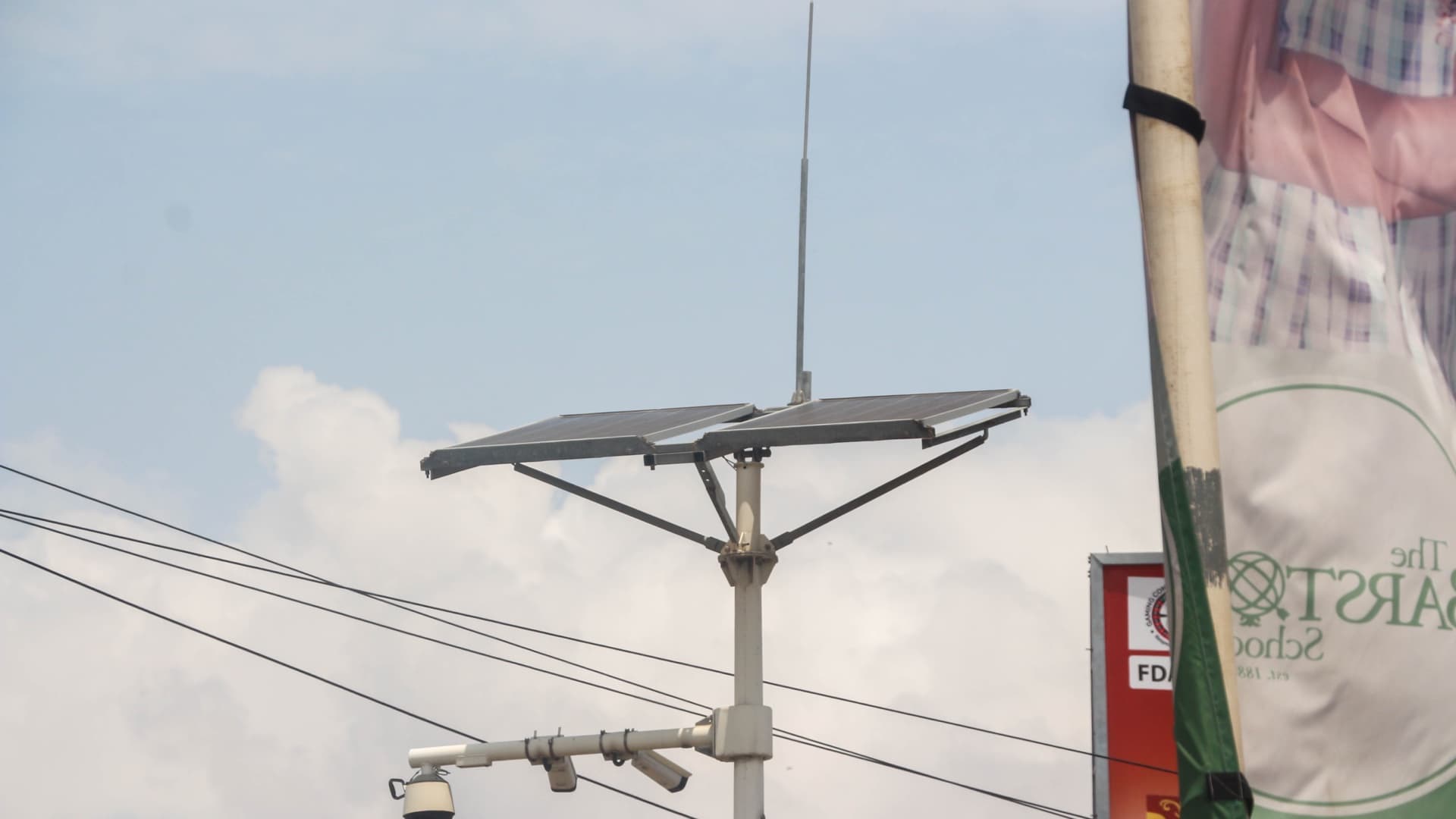
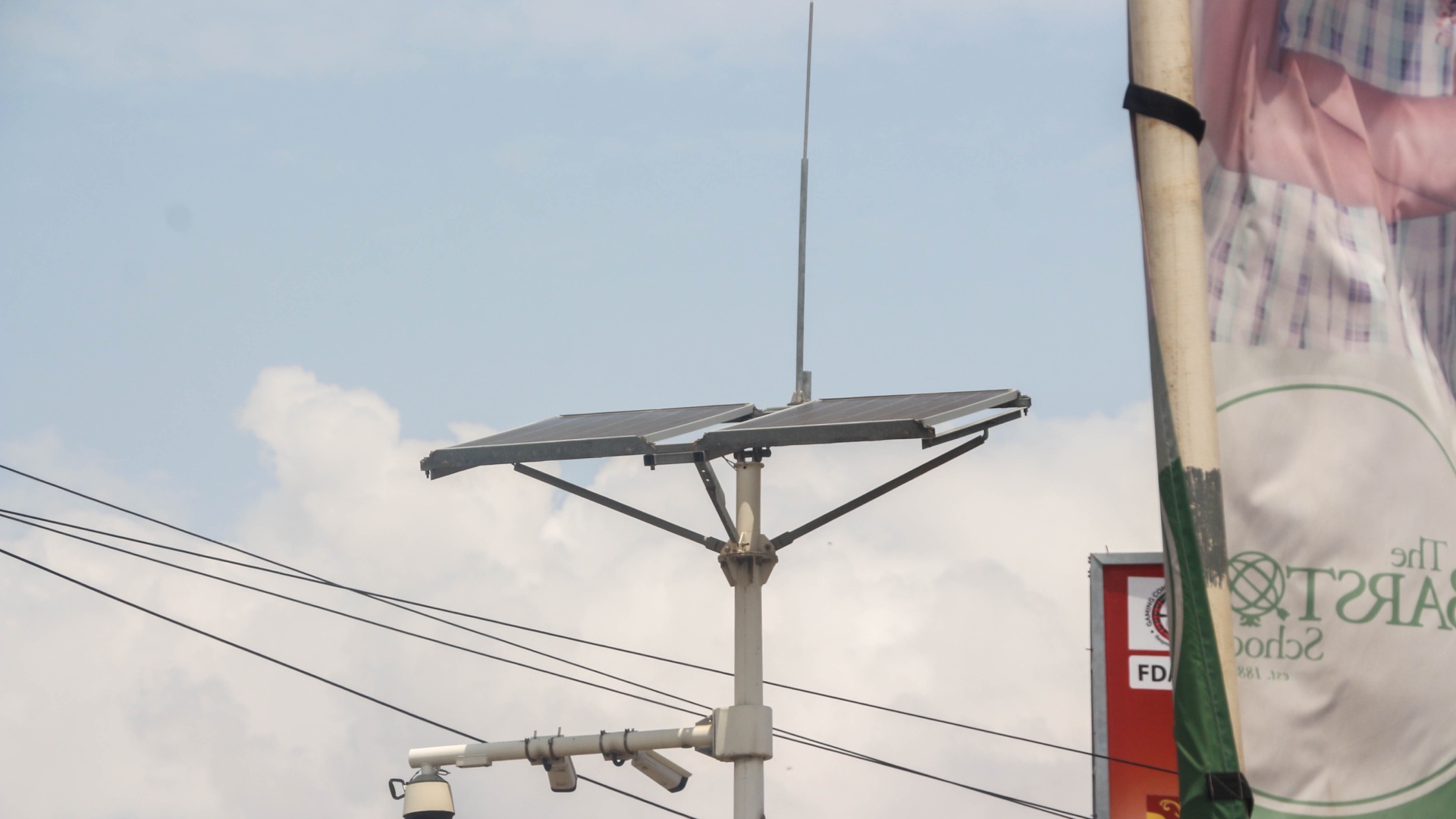
Image source: Solar Panel 8.jpg by Esthee2010, licensed under CC BY-SA 4.0. The image was cropped and resized to a 1920 x 1080 landscape format.
