
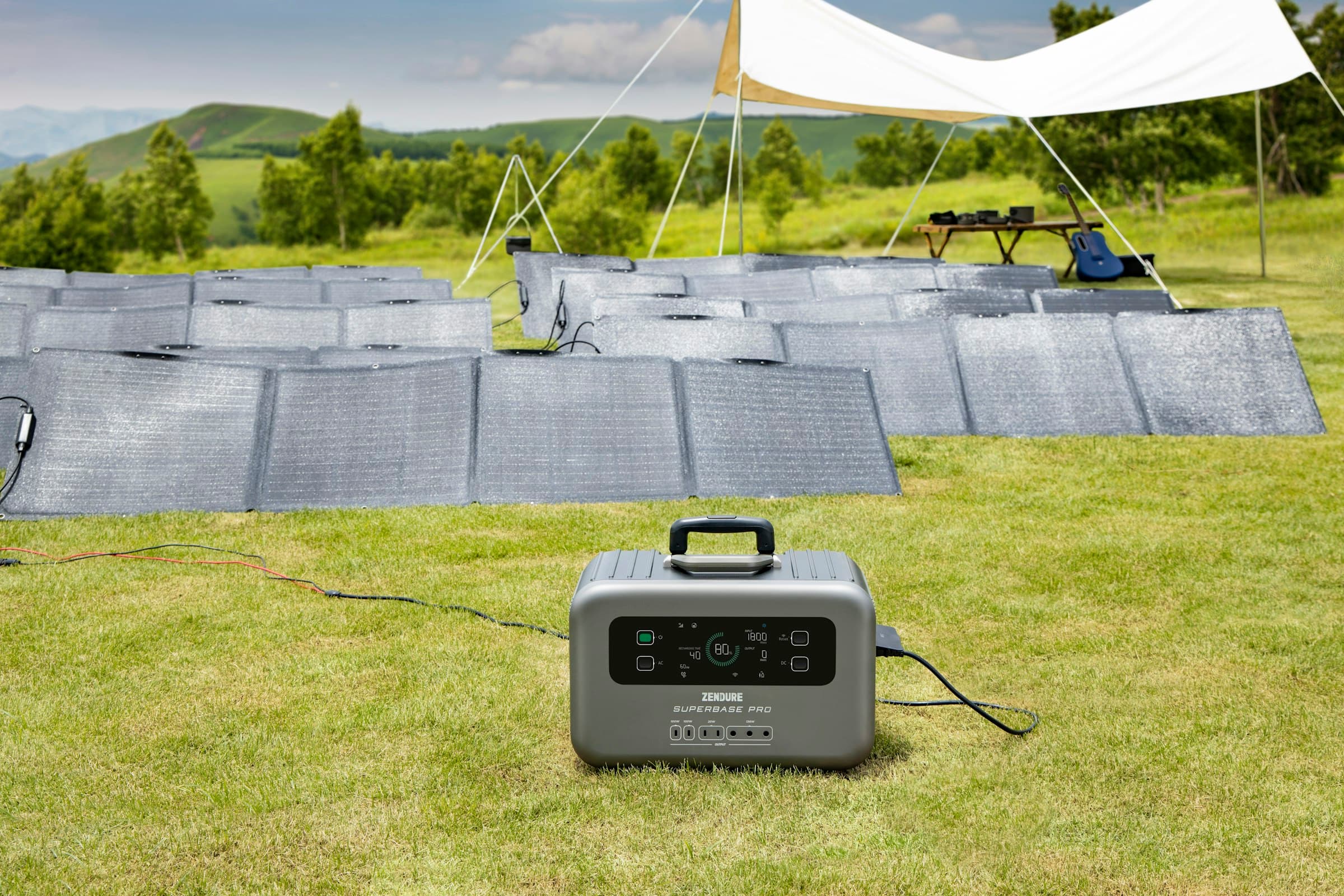
Portable power stations are often marketed with big watt-hour numbers, long appliance lists, and best-case runtime claims. For home backup, the smarter approach is more practical: decide what needs to stay on, estimate how much energy those loads use, and choose a system that can cover the outage pattern you are actually preparing for.
Most homes do not need to run everything during a short outage. They need enough power to protect food, keep communication online, maintain basic lighting, support critical health equipment, and buy time until the grid comes back.
If you are still getting comfortable with capacity numbers, start with our guide to what Wh means in a battery. Once watt-hours make sense, home backup sizing becomes much easier.
Start with the outage you are planning for
A backup system for a two-hour nuisance outage is very different from one meant to support a winter storm, wildfire shutoff, hurricane recovery window, or multi-day rural outage.
Before comparing models, answer three questions:
- How long do outages usually last where you live?
- Which loads are truly essential?
- Can you recharge during the outage from solar, a vehicle, grid power when it returns briefly, or a generator?
The answer may be a compact power station for phones, lights, and internet. It may be a larger battery that can cycle a fridge and freezer for a day. Or it may be a more serious battery energy storage setup for a sump pump, work-from-home equipment, medical devices, and repeated recharging.
The essential-load mindset
Home backup planning works best when you separate household loads into tiers.
| Priority | Examples | Backup goal |
|---|---|---|
| Critical | Medical devices, sump pump, well pump, essential communications | Keep running or have a dedicated plan |
| Important | Fridge, freezer, router, phones, basic lights | Preserve food, safety, and communication |
| Comfort | Fans, laptop, TV, microwave, coffee maker | Use selectively when capacity allows |
| High draw | Space heaters, ovens, large AC units, dryers, electric ranges | Usually avoid unless the system is specifically designed for them |
This is where many buyers oversize or undersize the system. A portable power station can be excellent for targeted backup. It is usually not a whole-home replacement unless it is paired with the right battery capacity, inverter output, transfer equipment, and installation approach.
How to estimate your daily watt-hour need
Use this simple formula:
Watts x hours = watt-hours
If a router uses 15W and runs for 24 hours, it needs about 360Wh per day.
If a fridge averages 80W over time and runs for 10 equivalent hours across compressor cycles, it needs about 800Wh per day.
Real-world numbers vary by appliance, age, temperature, duty cycle, and how often doors are opened. Still, rough planning is much better than relying on vague claims like "runs a fridge for days" without knowing which fridge, under what conditions, and with what reserve.
A practical home outage load list
Here is a starting point for common household loads. Use your own appliance labels, plug-in meter readings, or manufacturer specs when possible.
| Load | Typical planning range | Notes |
|---|---|---|
| Phone charging | 10Wh to 20Wh per charge | Easy for any power station |
| LED lamp | 5W to 15W while on | Efficient lighting stretches runtime |
| Wi-Fi router and modem | 10W to 30W continuous | Small draw, but runs all day |
| Laptop | 40W to 100W while charging or working | Depends heavily on workload |
| Fridge | 600Wh to 1500Wh per day | Compressor cycling matters |
| Chest freezer | 500Wh to 1200Wh per day | Often lower if kept closed |
| CPAP | 200Wh to 600Wh per night | Heated humidifiers can raise use |
| Sump pump | Highly variable | Requires surge and duty-cycle planning |
| Microwave | 1000W to 1500W while running | Short use, high inverter demand |
| Coffee maker | 800W to 1500W while heating | Short use, high inverter demand |
Capacity tells you how long the battery can support loads. Inverter output tells you whether it can start and run them at a given moment. For home backup, you need to check both.
What different battery sizes can realistically cover
There is no universal best size, but these ranges are useful for planning.
| Battery capacity | Best fit | Realistic outage role |
|---|---|---|
| 300Wh to 700Wh | Personal backup | Phones, lights, router, laptop, small medical accessories |
| 800Wh to 1500Wh | Short home outages | Router, lights, devices, selective fridge or freezer support |
| 1500Wh to 3000Wh | More serious household backup | Fridge, freezer, internet, laptops, lights, CPAP, limited appliance use |
| 3000Wh to 5000Wh | Extended essential-load backup | Longer fridge/freezer runtime, work setup, more reserve, solar recharge usefulness |
| 5000Wh and up | Whole-zone or small-site backup | Larger battery bank behavior, more planning around circuits, recharge, and installation |
For a typical homeowner, the jump from 500Wh to 1500Wh is about moving from convenience backup to meaningful outage support. The jump from 1500Wh to 3000Wh is about having enough reserve to support a fridge, communications, lights, and a few working hours without immediately feeling capacity anxiety.
Fridge and freezer backup: plan for cycling, not nameplate watts
Refrigerators and freezers are the classic home backup load because food loss is expensive and stressful.
The tricky part is that a fridge does not draw the same power all day. It cycles. It may pull a higher surge when the compressor starts, then much less while running, then nothing for a while.
For planning:
- Check the appliance label for running amps or watts
- Confirm that the power station inverter can handle startup surge
- Keep doors closed as much as possible
- Cool the fridge and freezer fully before forecasted storms when possible
- Use a thermometer so you know when power is actually needed
A battery that cannot start the compressor is the wrong tool, even if it has enough watt-hours on paper. Inverter surge capacity matters here.
Internet, phones, and work-from-home backup
Communication loads are usually small, which makes them a high-value use of stored energy.
A modem, router, phone, laptop, and LED desk lamp may use far less energy than a single heating appliance. That means a modest power station can keep a household informed, reachable, and productive through a shorter outage.
If internet uptime matters, test your setup before an outage:
- Plug the modem and router into the power station
- Confirm the network stays online
- Check whether your fiber, cable, or wireless service still operates when neighborhood power is down
- Measure actual draw if the power station shows live wattage
The home equipment may have power, but the upstream network also needs to be available. That is a practical detail worth finding out before the lights go out.
Solar recharging during an outage
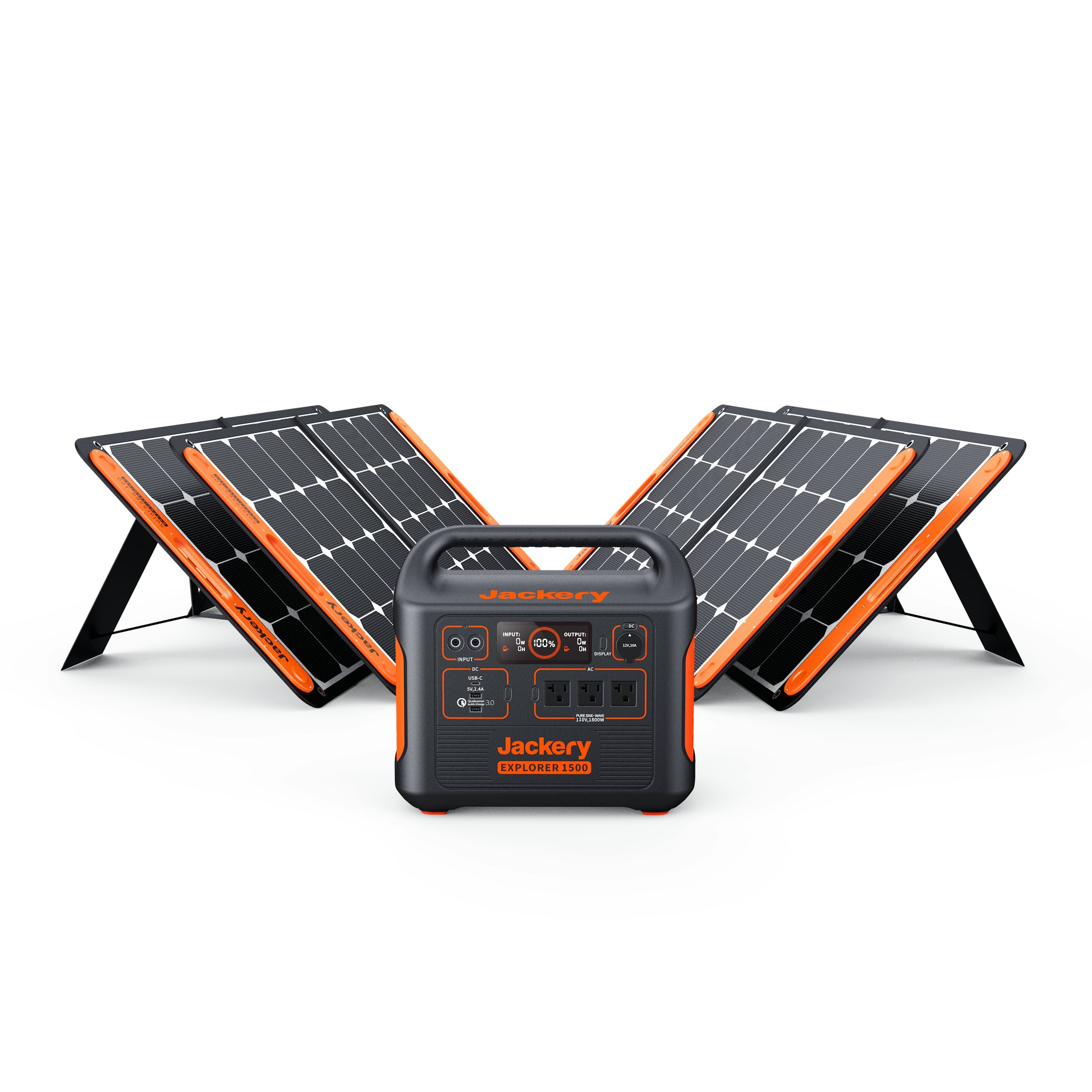
Solar charging can be extremely useful, but it should be planned with realistic expectations.
A 400W solar array does not produce 400W all day. Output changes with sun angle, clouds, shade, panel temperature, cable losses, and how well the panels are aimed. In many real setups, the useful daily harvest is far lower than the panel nameplate multiplied by daylight hours.
For backup planning, think in daily energy:
- A small 100W panel may be helpful for phones, lights, and topping off a compact station
- A 200W to 400W setup can meaningfully extend router, laptop, and small-appliance backup
- Larger arrays become more important when you are trying to support fridge, freezer, medical, or work loads across multiple days
Solar is most valuable when your daily harvest is close to or greater than your daily essential-load usage. If your essentials use 2000Wh per day and your panel setup only brings in 500Wh on a cloudy day, solar helps, but it does not make the system self-sustaining.
Do not ignore inverter output
Watt-hours are only half the sizing decision. The other half is output.
A 2000Wh power station with a small inverter may store plenty of energy but still fail to run a microwave, pump, or compressor load. A power station with strong output but limited capacity may run a demanding appliance briefly but drain quickly.
Check:
- Continuous AC output
- Surge or peak output
- Number and type of outlets
- Whether the unit supports 120V only or 120/240V split-phase output
- Whether it can run and recharge at the same time
- Whether sensitive electronics need UPS-style transfer behavior
For simple plug-in loads, this is straightforward. For hardwired home circuits, panels, well pumps, or transfer equipment, work with a qualified electrician.
Extension cords, transfer switches, and safety
A portable power station is easy to use when you plug devices directly into it. It becomes more complex when you want to feed home circuits.
Never backfeed a home through a wall outlet. That can create serious shock and fire hazards and can endanger utility workers. If you want backup power through selected home circuits, use the proper transfer equipment installed according to local electrical requirements.
For direct plug-in use:
- Use appropriately rated extension cords
- Keep cords out of wet areas and walkways
- Avoid overloading power strips
- Keep the power station dry and ventilated
- Follow the manufacturer's charging and operating temperature limits
Battery backup is cleaner and quieter than a fuel generator, but it still deserves careful setup.
A simple sizing example
Imagine you want to cover:
- Fridge: 900Wh per day
- Router and modem: 360Wh per day
- Phones and tablets: 100Wh per day
- LED lights: 150Wh per evening
- Laptop work: 300Wh per day
That is about 1810Wh per day before losses and reserve.
For one short outage day, a 2000Wh station may be workable if you manage loads carefully. For two days, you either need more battery capacity, reliable recharging, or a plan to cycle loads instead of running everything continuously.
If solar can reliably add 700Wh to 1200Wh per day, the same setup becomes much more resilient. If the weather is poor and solar harvest is low, you need more stored energy or fewer loads.
What to test before you need it
The best backup system is one you have already tested.
Run a simple outage drill:
- Charge the power station fully.
- Plug in the devices you expect to use.
- Watch the live wattage and runtime estimate.
- Confirm compressor loads start properly.
- Test solar charging in the location you would actually use.
- Write down the results.
This takes the mystery out of backup power. You will quickly learn which loads are easy, which ones drain capacity faster than expected, and whether you need a bigger battery, more solar input, or a more disciplined outage plan.
Final takeaway
For home backup, the right portable power station is not simply the biggest one on the shelf. It is the one sized around your essential loads, expected outage length, recharge options, and safety requirements.
Start with the things that truly matter: communication, lighting, refrigeration, medical needs, and water-related loads. Estimate the watt-hours, confirm inverter output, and test the setup before a storm or grid outage forces the issue.
Done well, a portable power station can turn an outage from a scramble into a manageable pause.